

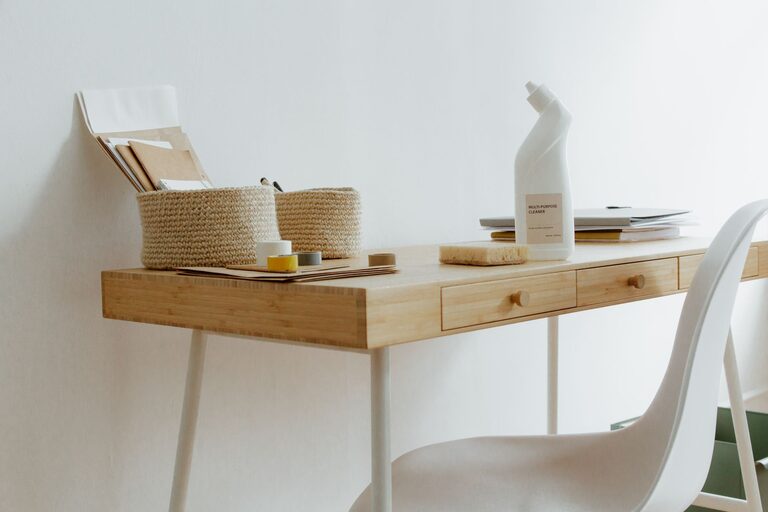
Creating a clutter-free home workspace is essential for boosting productivity and maintaining a calm, focused environment. Whether you work from home full-time or just need a small area for occasional tasks, an organised workspace can reduce stress and help you stay on track. In this post, we’ll explore practical and easy-to-follow tips to help you establish a tidy, efficient home office.
Why a Clutter-Free Workspace Matters
A cluttered desk or room can distract you from your work and cause unnecessary stress. Messy surroundings often lead to wasted time searching for documents or supplies. By organising your workspace, you create an environment that supports concentration, creativity, and effective time management.
Step 1: Choose the Right Location
Your workspace should be in a quiet area with adequate lighting and minimal distractions. Ideally, choose a spot near a window for natural light, which can improve your mood and reduce eye strain. If space is limited, consider a corner or a compact desk that fits your needs without overwhelming the room.
Step 2: Declutter and Sort
Before organising, take some time to clear everything off your desk and sort through your items.
– Discard or donate anything you no longer need.
– Group similar items like stationery, cables, and paperwork.
– Keep only daily essentials within arm’s reach.
This step is crucial to prevent accumulating redundant belongings and to make organising easier.
Step 3: Prioritise Storage Solutions
Storage plays a big role in keeping your workspace clutter-free.
Desk Organisers
Utilise desk organisers with compartments for pens, paperclips, sticky notes, and other small items. This helps keep your surface clean and your supplies easy to find.
Shelves and Drawers
Install shelves or use a small filing cabinet close to your desk for books, documents, and non-daily items. Drawers can hide away less frequently used items, maintaining a neat appearance.
Cable Management
Cables and chargers often create visual clutter. Use cable clips, ties, or a cable box to keep cords organised and prevent them from tangling.
Step 4: Develop Functional Zones
Create specific areas for different activities within your workspace.
– Work Zone: Your desk where you complete tasks.
– Reference Zone: Shelves or racks for books and important files.
– Supply Zone: Storage for stationery and office tools.
Separating these zones helps to keep materials organised and your desk uncluttered.
Step 5: Maintain Digital Organisation
A clutter-free workspace isn’t just physical — digital files and emails also need attention. Regularly organise your computer desktop and emails into folders and archive old files. This reduces distractions and allows quicker access to needed documents.
Step 6: Introduce a Daily Tidy Routine
Spending just 5–10 minutes at the end of each workday tidying your desk can prevent clutter from building up. Put away items, clear any rubbish, and prepare your workspace for the next day.
Step 7: Personalise Minimally
Personal touches like a plant, a favourite photo or artwork can make your workspace inviting. However, keep decor minimal to avoid unnecessary clutter and distractions.
Additional Tips for Keeping Your Workspace Tidy
– Use vertical space by installing wall organisers or magnetic boards.
– Label storage boxes and files for easy identification.
– Limit the number of gadgets on your desk.
– Consider using wireless devices to reduce cable clutter.
Conclusion
Organising a clutter-free home workspace is a straightforward process that requires a thoughtful approach to sorting, storage, and maintenance. By choosing the right location, investing in practical storage solutions, and adopting a daily tidying habit, you can create a workspace that supports productivity and gives you peace of mind. Remember, a neat environment helps foster a clear mind, so start small and enjoy the benefits of your organised home office.